
RememBear: Password Manager1.4.17 - App Store
You'll be able to see results in few seconds.
Publisher Description

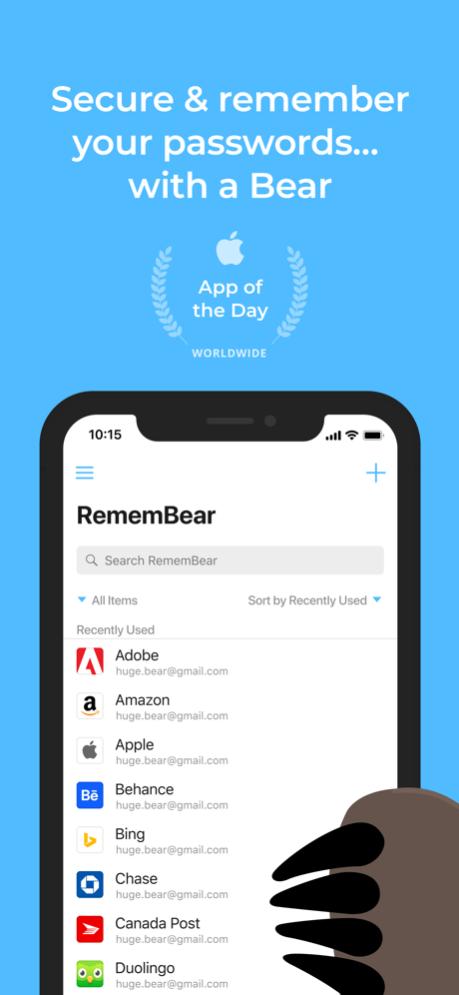

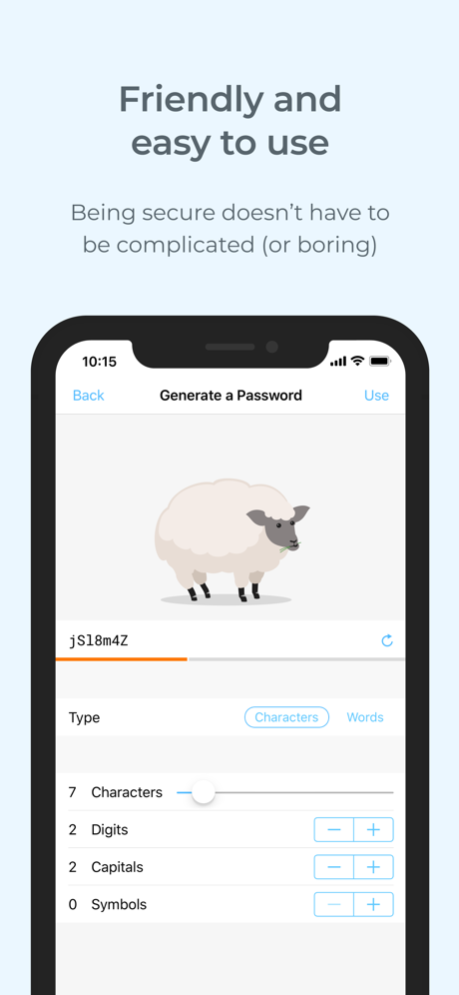
**FEATURED APP OF THE DAY**
The beautiful RememBear app is the easiest way to create, store, and use really strong passwords across your devices and stay safe online. It also stores credit cards for quicker online shopping, and protects sensitive notes with an added layer of security.
BENEFITS OF BEARS
* Automatically log-in: RememBear saves you time by auto-filling your login information across your favourite apps and websites
* Faster online checkouts: Autofill your credit cards when shopping online
* Never forget a password: Save your passwords in a single place and say goodbye to un‑bear‑able password resets
* Store sensitive notes: A place for those notes that need an extra layer of security
* Keep your data safe: All of your logins are stored in an encrypted vault that only you can access
* Prevent identity theft: Generate strong, unique passwords for your online accounts to prevent getting hacked
* Access everywhere: Your Bear is synced across all your computers, phones, and tablets
CONVENIENT FEATURES
* Friendly, approachable design so simple, even a bear could use it!
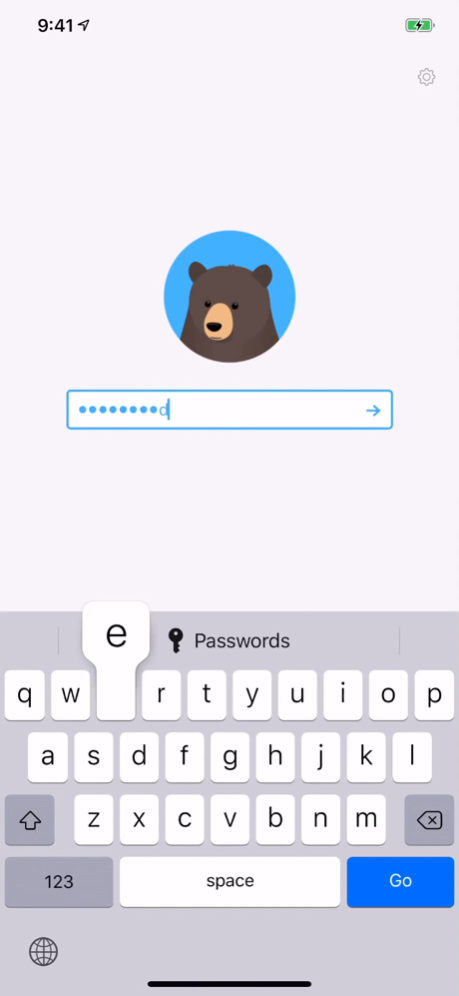
* Unlock your vault securely with Touch ID or FaceID
* Auto-locking after Bear inactivity
* A single Master Password lets you unlock your vault
A BEAR YOU CAN TRUST
* Independently audited: RememBear is independently audited by a 3rd party to ensure it meets the highest security standards
* Privacy by design: Engineered so that you, and only you, can see your sensitive data
* Serious security: RememBear protects your data with super strong AES 256-bit encryption
PRICING
Every RememBear account comes with 30 days of free RememBear Premium. If you fall in love with your Bear, you can upgrade and continue with Premium (monthly plan). Do nothing and your account will automatically become Free which removes syncing between devices, backups, and priority support.
PRIVACY POLICY & TERMS OF USE
RememBear has a simple, human readable privacy policy and terms of use you can read here:
https://www.remembear.com/privacy-policy
https://www.remembear.com/terms-of-service/
BEAR MISBEHAVING? WANT TO GET IN TOUCH?
Is your Bear being difficult? Do you have feedback for us? Do you have a cool fact about Bears to share? Contact our support team at www.remembear.com/support
** Subscriptions are charged to your iTunes account and auto-renew every month. Auto-renew charge happens within the 24-hours prior to the end of the current period. Subscription automatically renews unless auto-renew is turned off at least 24-hours before the end of the current period.
You can manage your subscription and turn off auto-renew at any time by going to your Settings in your iTunes Account.
Dec 10, 2020
Version 1.4.17
Combed some bugs out
About RememBear: Password Manager
The company that develops RememBear: Password Manager is TunnelBear, LLC. The latest version released by its developer is 1.4.17.
To install RememBear: Password Manager on your iOS device, just click the green Continue To App button above to start the installation process. The app is listed on our website since 2020-12-10 and was downloaded 0 times. We have already checked if the download link is safe, however for your own protection we recommend that you scan the downloaded app with your antivirus. Your antivirus may detect the RememBear: Password Manager as malware if the download link is broken.
How to install RememBear: Password Manager on your iOS device:
- Click on the Continue To App button on our website. This will redirect you to the App Store.
- Once the RememBear: Password Manager is shown in the iTunes listing of your iOS device, you can start its download and installation. Tap on the GET button to the right of the app to start downloading it.
- If you are not logged-in the iOS appstore app, you'll be prompted for your your Apple ID and/or password.
- After RememBear: Password Manager is downloaded, you'll see an INSTALL button to the right. Tap on it to start the actual installation of the iOS app.
- Once installation is finished you can tap on the OPEN button to start it. Its icon will also be added to your device home screen.
Program Details
System requirements
Download information
Pricing
Version History
version 1.4.17
posted on 2020-12-10
Dec 10, 2020 Version 1.4.17
Combed some bugs out
Disclaimer
Official App Store Link
We do not host RememBear: Password Manager on our servers. We did not scan it for viruses, adware, spyware or other type of malware. This app is hosted by Apple and passed their terms and conditions to be listed there. We recommend caution when installing it.
The App Store link for RememBear: Password Manager is provided to you by apps112.com without any warranties, representations or guarantees of any kind, so access it at your own risk.
If you have questions regarding this particular app contact the publisher directly. For questions about the functionalities of apps112.com contact us.
